
Intro
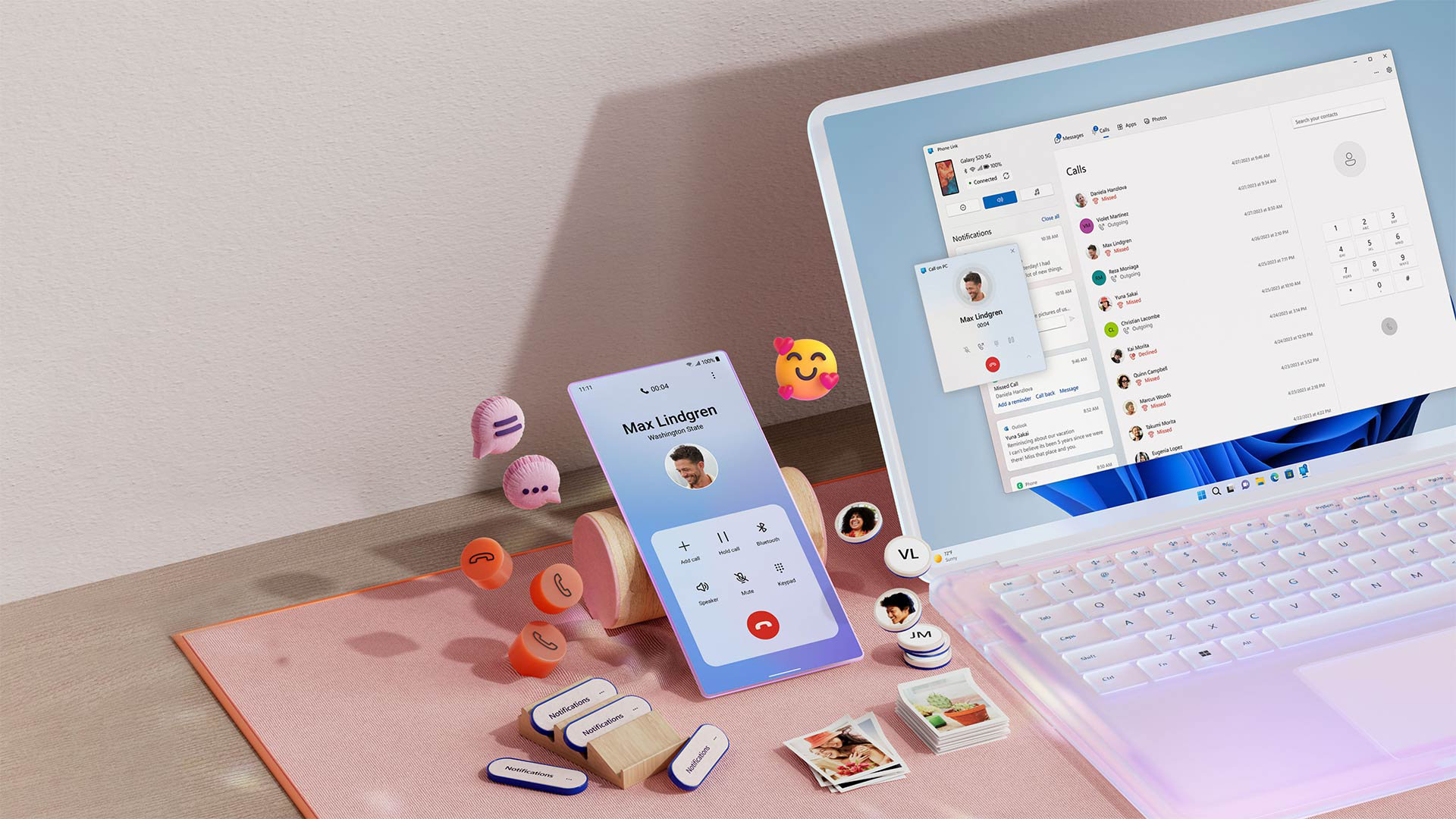
The Windows 11 Start menu now offers customizable Companions on the side for quick access to widgets. Companions are interactive widgets that appear next to the Start menu in a floating panel, similar to widgets in Windows 10
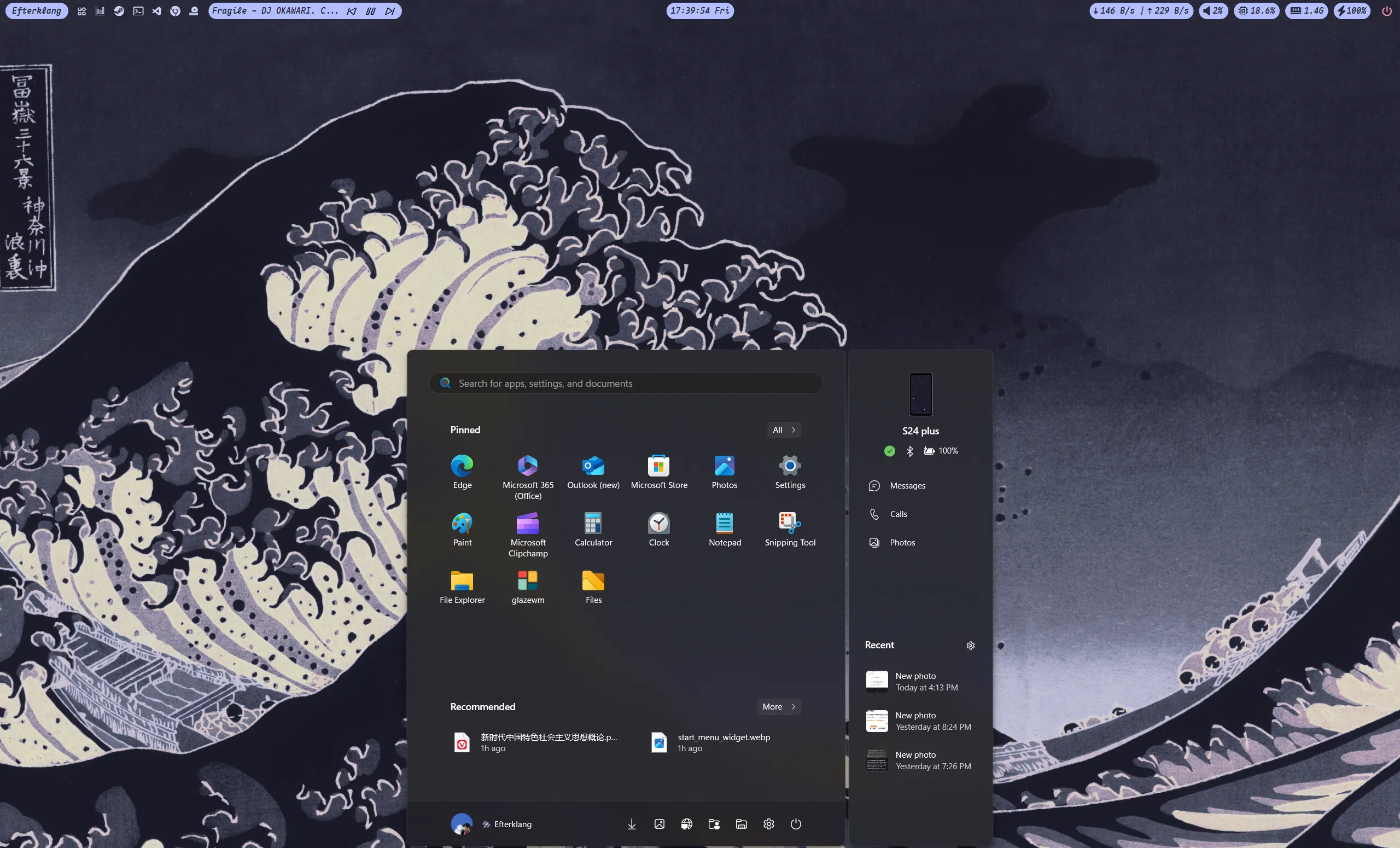
Phone Link is now supported. It can show phone status in the Windows 11 Start Menu, such as battery level and recent notifications. The screenshot is below.
What is it useful for? If you just want to check your phone battery, pressing the key on the keyboard to view the widget may be more convenient than picking up the phone 🤔
Phone Link itself is still useful: file transfer, shared clipboard, screen sharing, and so on. These features all have alternatives. WeChat Input also supports clipboard sharing, but its Android UI feels average. For phone screen sharing, alternatives include scrcpy, and many manufacturers also provide their own casting tools.
System requirements
Requirement
- Windows 11 Insider Preview Build 22635.3790+
- Phone Link 1.24052.124.0+.
My Environment
- Windows 11 Insider Preview Build 26120.2222 (Dev Channel)
- Phone Link 1.24102.92.0
Steps
- Download ViveTool
$ scoop install vivetoolInstalling 'vivetool' (0.3.3) [64bit] from 'main' bucketViveTool-v0.3.3.zip (391.3 KB) [==============================================================================] 100%Checking hash of ViveTool-v0.3.3.zip ... ok.Extracting ViveTool-v0.3.3.zip ... done.Running pre_install script...done.Linking D:\envir_vars\scoop\apps\vivetool\current => D:\envir_vars\scoop\apps\vivetool\0.3.3Creating shim for 'ViVeTool'.'vivetool' (0.3.3) was installed successfully!Or download it from github.com/thebookisclosed/ViVe/releases/.
- Run
sudo vivetool /enable /id:48697323,48433719, or open Terminal as administrator and runvivetool /enable /id:48697323,48433719. - Restart the computer, open the Settings app (Win + I), and enable
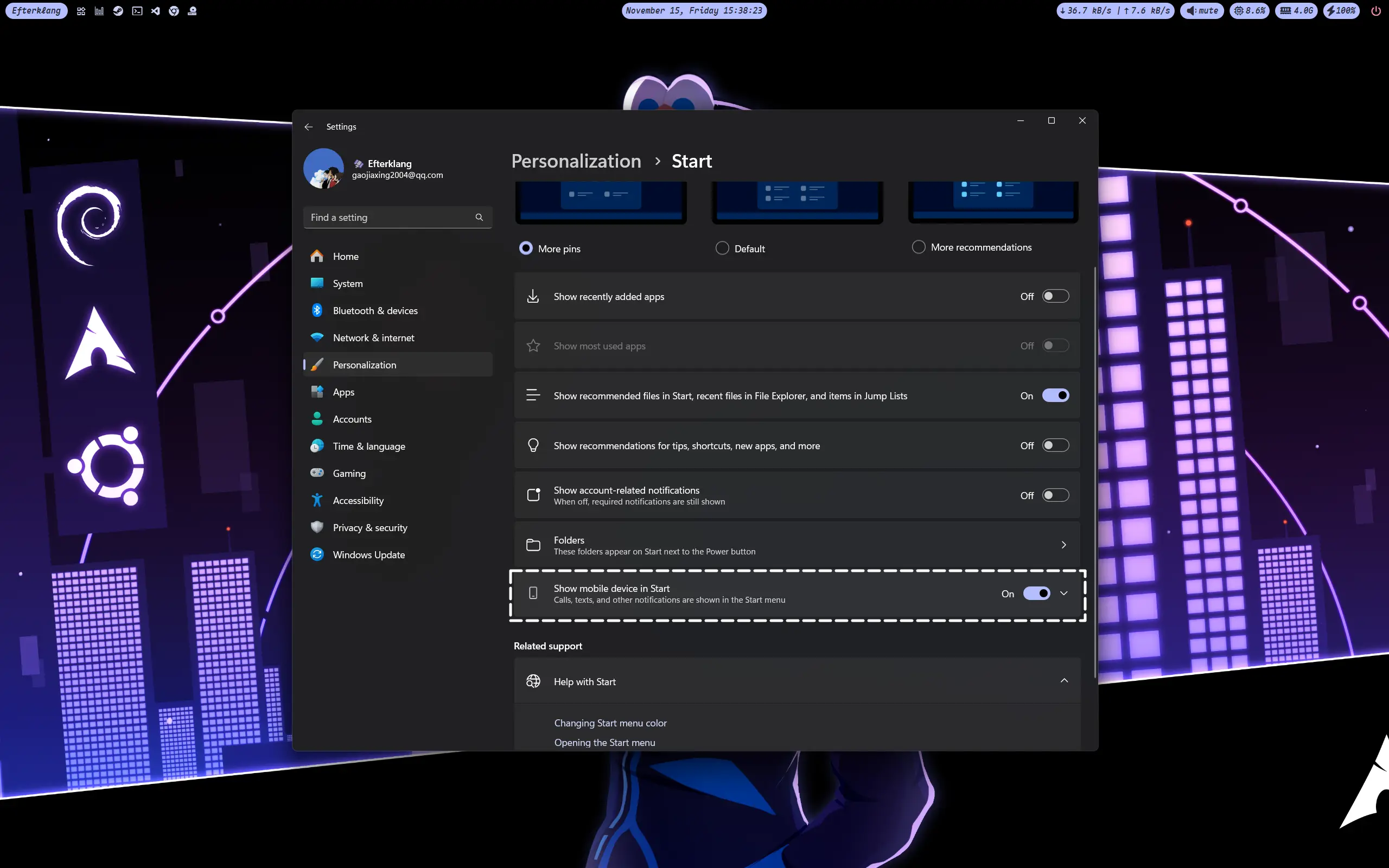
Personlization > Start > Show mobile device in start.
Q&A
Connection issue
The only connection issue I encountered showed this prompt:
Unable to connect to your Android
We can’t connect to your Android devices because you are trying to access to the application outside China and currently, we don’t support roaming areas.
The reason was that Phone Link on the PC was going through a proxy. The fix is to set Phone Link to connect directly. The corresponding rule is 👇
"PROCESS-NAME,PhoneExperienceHost.exe,DIRECT"
Others
I have not encountered other issues for now. If I do, I will update them here.