

Intro
FastFetch is a system information display tool written in C.
fetch tools display system information in a pleasant format inside the terminal, usually including the OS version, kernel version, CPU, memory, resolution, and more.
Neofetch used to be a very popular Bash-based system information display tool. Its author Have taken up farming. Earlier, Screenfetch provided similar functionality. FastFetch implements the same goal in a more efficient language.
On GitHub, the awesome-fetch repository lists a range of fetch tools to try.
My internship workplace provided an Ubuntu 18.04 server, and I wanted to install FastFetch on it to display system information. Because package managers mostly no longer provide newer versions for Ubuntu 18, FastFetch cannot be installed directly through apt. Fortunately, FastFetch provides scripts for installing from source. This post records the process of compiling and installing FastFetch from source on Ubuntu 18.
Choosing another fetch tool would also work; there is no need to struggle with an old Ubuntu 18 installation. But I had already made a FastFetch configuration on Windows and did not want to configure another fetch tool. Also, similar to VS Code, FastFetch uses JSONC (JSON with Comments) for its configuration file, which supports comments. I personally like that; at least compared with Neofetch’s config file, it is simpler and easier to read.
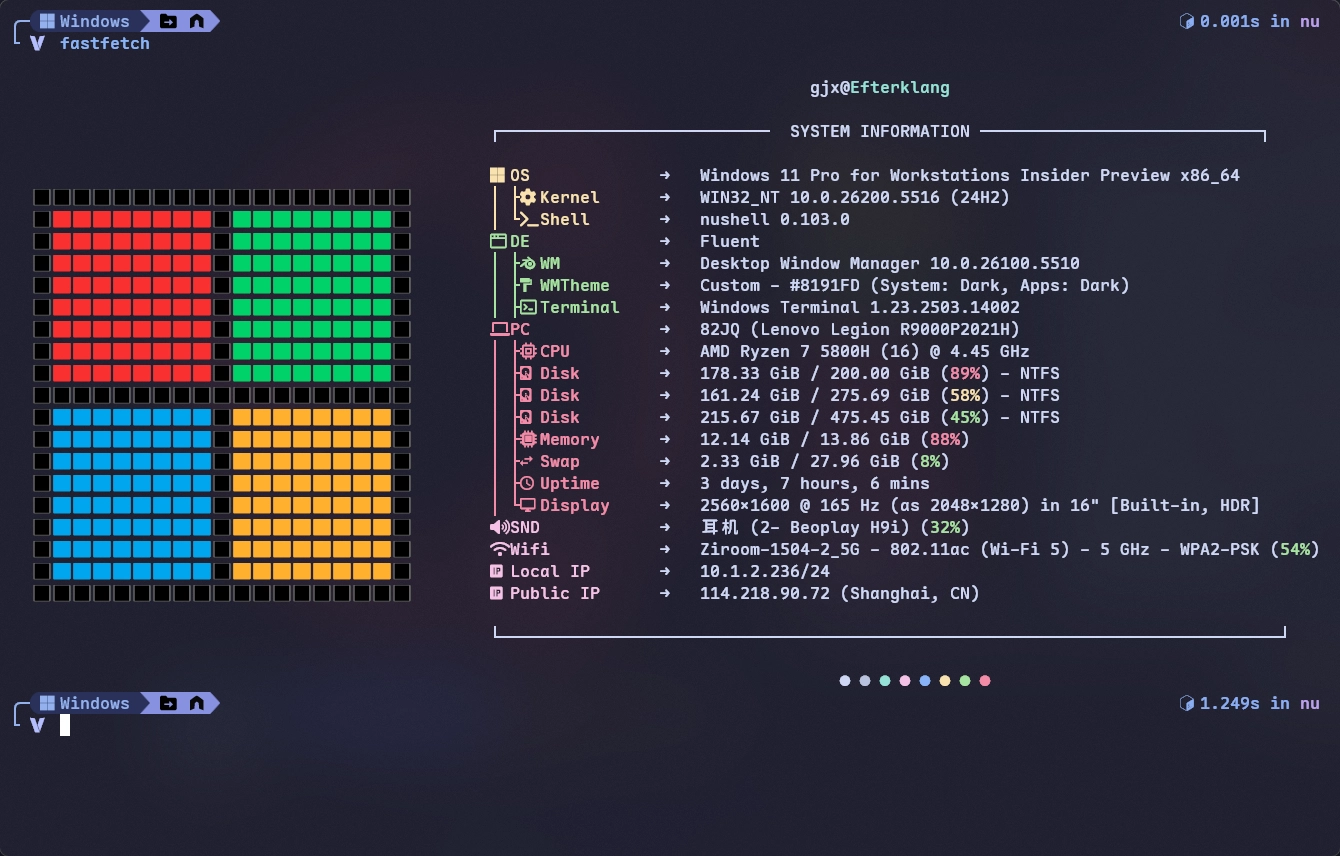
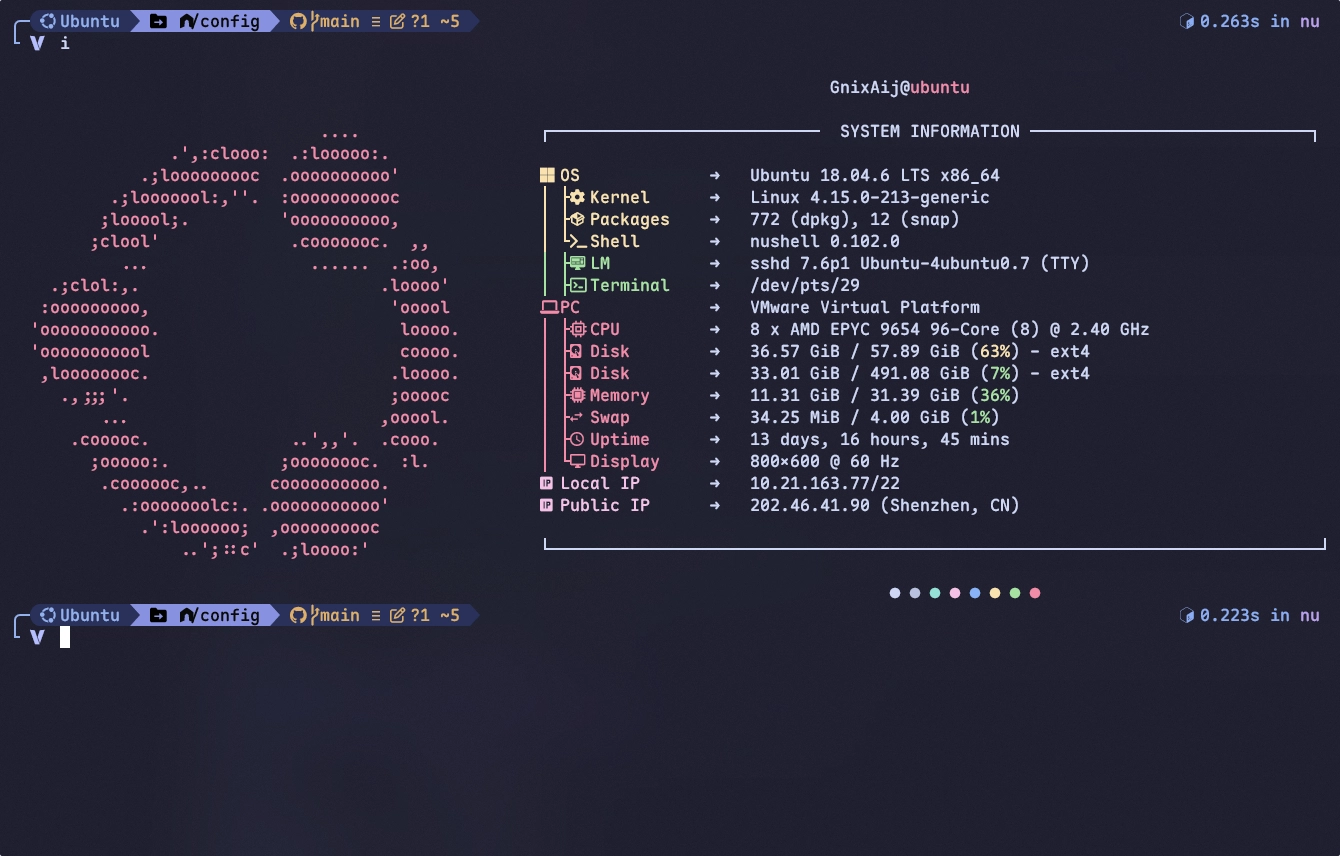
Installation Steps
First, clone the FastFetch repository from GitHub and run the installation script:git clone https://github.com/fastfetch-cli/fastfetch.gitcd fastfetch./run.shsudo make install
After installation, enter the following command in the terminal to check the FastFetch version and confirm that installation succeeded:$ fastfetch --versionfastfetch 2.39.1 (x86_64)
Problem & Solution
When I ran the installation script on Ubuntu 18.04, I encountered this error:$ /run.shCMake Error at CMakeLists.txt:1 (cmake_minimum_required):CMake 3.12.0 or higher is required. You are running version 3.10.2-- Configuring incomplete, errors occurred!
The error shows that the CMake version is too old (3.10.2), while FastFetch requires CMake 3.12.0 or higher.
Install a newer CMake version with the following steps:# Download the CMake 3.28.1 source code$ wget https://github.com/Kitware/CMake/releases/download/v3.28.1/cmake-3.28.1.tar.gz# Extract the source code$ tar -xzvf cmake-3.28.1.tar.gz$ cd cmake-3.28.1# Compile and install CMake$ ./bootstrap$ make -j$(nproc)$ sudo make install# Check the CMake version$ cmake --versioncmake version 3.28.1
After installing the newer CMake version, return to the FastFetch directory and rerun ./run.sh to complete the installation.