Intro
At the beginning of my internship, I applied for an Ubuntu 18 machine. Installing Neovim was inconvenient, so I installed nvim directly with snap.
Recently, I found that using nvim as a manpager on Ubuntu produced an error, for example:$ man selectcannot fstatat canonical snap directory: Permission denied/usr/bin/man: command exited with status 1: sed -e '/^[[:space:]]$/{ N; /^[[:space:]]\n[[:space:]]*$/D; }' | LESS=-ix8RmPm Manual page select(2) ?ltline %lt?L/%L.:byte %bB?s/%s..?e (END):?pB %pB%.. (press h for help or q to quit)$PM Manual page select(2) ?ltline %lt?L/%L.:byte %bB?s/%s..?e (END):?pB %pB%.. (press h for help or q to quit)$ MAN_PN=select(2) nvim +Man!
Roughly speaking, man did not have permission to access the snap directory. I had upgraded Ubuntu recently, so I planned to solve this by installing nvim with apt instead.
But that led to a new problem:$ apt-get install neovimReading package lists... DoneBuilding dependency treeReading state information... DoneThe following NEW packages will be installed: neovim0 upgraded, 1 newly installed, 0 to remove and 7 not upgraded.Need to get 37.4 kB of archives.After this operation, 168 kB of additional disk space will be used.E: You don't have enough free space in /var/cache/apt/archives/.
I tried several online solutions. Most suggested clearing files under /var/cache/apt/archives/ or logs under /var/log/, but none of them worked.
Solution
First locate the problem. Use the df command to check disk usage.
It showed that the /dev/mapper/ubuntu--vg-ubuntu--lv partition was full, and the files under /var/cache/apt/archives/ were stored on this partition.$ df -hFilesystem Size Used Avail Use% Mounted onudev 16G 0 16G 0% /devtmpfs 3.2G 307M 2.9G 10% /run/dev/mapper/ubuntu--vg-ubuntu--lv 58G 57G 0 100% /tmpfs 16G 0 16G 0% /dev/shmtmpfs 5.0M 0 5.0M 0% /run/locktmpfs 16G 0 16G 0% /sys/fs/cgroup/dev/sda2 974M 213M 694M 24% /boot.../dev/loop21 13M 13M 0 100% /snap/kubectl/3512/dev/sdb1 492G 4.2G 462G 1% /mnt/datatmpfs 3.2G 8.0K 3.2G 1% /run/user/0
Judging from the path structure, /mnt/data is a subdirectory under /, but deleting files inside /mnt/data will not free space on the /dev/mapper/ubuntu--vg-ubuntu--lv partition.
The reason is that /mnt/data and its subdirectories are actually stored on the /dev/sdb1/ device, not on the original / disk space.
Once the problem was located, it was easy to handle. I freed 26 GB by running rm -rf /root/.local/share/Trash, then successfully installed nvim. See Where is the .Trash folder? - Ask Ubuntu for the trash path.
Another WorkAround
If disk space is extremely tight, you can try the following:sudo apt -o Dir::Cache::Archives="/dev/shm/" install neovim
The -o option temporarily modifies APT configuration. Here, the cache directory is set to /dev/shm/, a memory-based temporary filesystem, which avoids the disk space issue.
Disabling APT’s cache should also work. See 8. Disable the APT cache to save storage space.
Screenshot
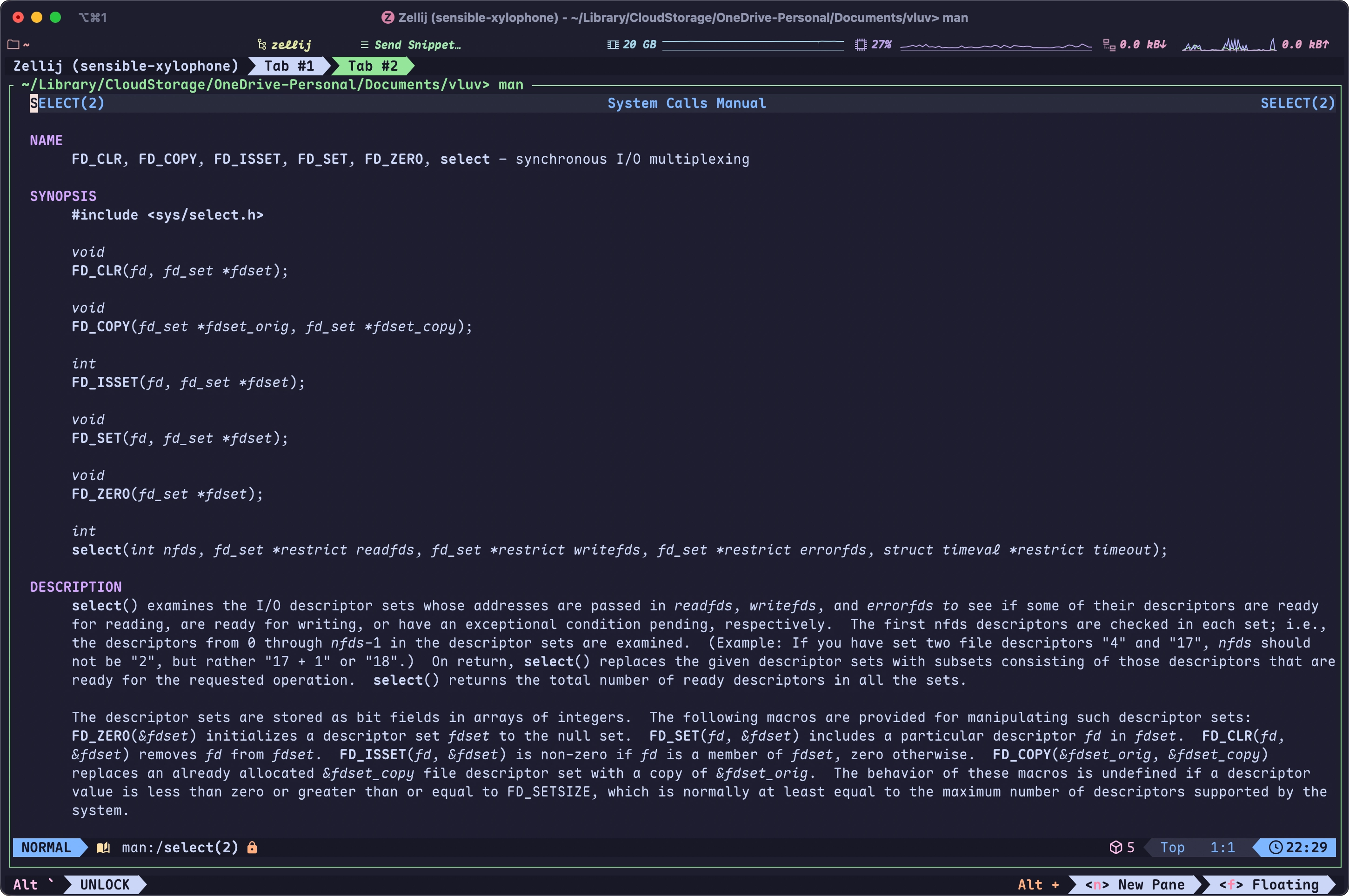
After switching to the apt-installed nvim, nvim can be used as a manpager normally. It looks roughly like this: