
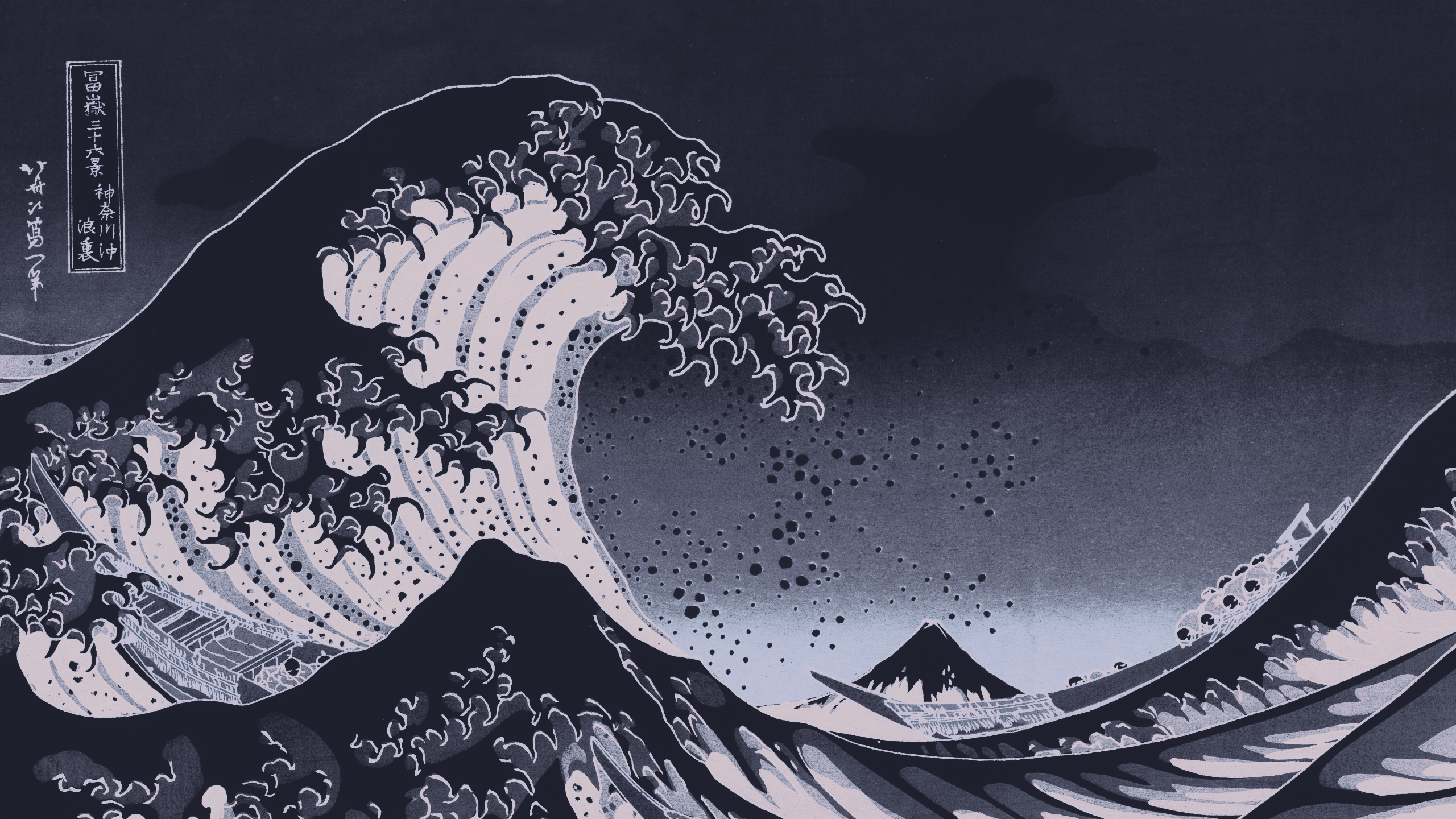
Achno/gowall: A tool to convert a Wallpaper’s color scheme / palette, image to pixel art, color palette extraction, image upscaling with Adversarial Networks and more image processing features
GoWall recolors an image to match a theme such as Catppuccin or Nord. It also covers a long tail of image chores like compression, format conversion, upscaling, OCR, pixel art and palette extraction[1]Full feature list from the README: convert wallpaper theme (Catppuccin and other built-in or custom themes); image compression for png/jpeg/webp; OCR for images and PDFs with 9+ providers; AI image upscaling; convert icon theme (svg, ico); Unix pipes/redirection support; image to pixel art; replace a specific color; create a gif from images; extract color palette (like pywal); change image format; invert colors; draw borders and grids; remove background; effects such as mirror, flip, grayscale and brightness; daily community-voted wallpapers.. Follow the install documentation to get it set up.
GoWall cannot convert svg images to other formats yet. As of v0.2.4, gowall convert lua.svg --output lua.webp fails, so you need to convert the svg yourself first.
Online converters as alternatives:
- SVG to PNG Converter - FreeConvert.com
- Pixeltools SVG to PNG: Runs locally in your browser, no file upload or signup required. There is also a PNG to WebP converter if you want to go one step further.
Thanks to reader Christian for recommending Pixeltools by email.
Scripts
My most common use of GoWall is recoloring an image to Catppuccin Mocha and saving it as webp before committing it to a repo or image bed:gowall convert ./img/cover.jpg -t catppuccin --output ./cover.webp
Nushell has no completion for gowall, so typing this by hand every time gets tedious. The script below wraps it up: give it an image, and it writes a Catppuccin Mocha webp with the same name into the current directory.#!/bin/bash# Ref: [installation | Gowall Docs](https://achno.github.io/gowall-docs/installation)# Check the number of argumentsif [ $# -ne 1 ]; then echo "Usage: $0 <image path>" echo "Example: $0 ./img/cover.jpg" exit 1fi# Get the input file pathinput_file="$1"# Check whether the file existsif [ ! -f "$input_file" ]; then echo "Error: file '$input_file' does not exist" exit 1fi# Get the filename without path and extensionfilename=$(basename "$input_file")filename_no_ext="${filename%.*}"# Build the output file path: current working directory + filename + .webpoutput_file="$(pwd)/${filename_no_ext}.webp"# Execute the gowall commandecho "Converting: $input_file -> $output_file"gowall convert "$input_file" -t catppuccin --output "$output_file"# Check the command resultif [ $? -eq 0 ]; then echo "✅ Done: $output_file"else echo "❌ Conversion failed" exit 1fi
Usage# Grant execute permission to the scriptchmod +x mocha_it# Put the script in PATH, for example ~/bin/mocha_it. I store it under `~/dotfiles/bin/`export PATH="$PATH:~/dotfiles/bin"# Run the scriptmocha_it ./img/cover.jpg
Full feature list from the README: convert wallpaper theme (Catppuccin and other built-in or custom themes); image compression for png/jpeg/webp; OCR for images and PDFs with 9+ providers; AI image upscaling; convert icon theme (svg, ico); Unix pipes/redirection support; image to pixel art; replace a specific color; create a gif from images; extract color palette (like pywal); change image format; invert colors; draw borders and grids; remove background; effects such as mirror, flip, grayscale and brightness; daily community-voted wallpapers. ↩︎