

Introduction
Dotbot makes installing your dotfiles as easy as
git clone \$url && cd dotfiles && ./install, even on a freshly installed system!
Configuration files for different programs are scattered across different paths. On Windows, for example, program configuration files may live in:
C:\Users\<username>\AppData\RoamingC:\Users\<username>\AppData\LocalC:\Users\<username>\DocumentsC:\Users\<username>\.config
Because configuration files are not centralized, managing, backing up, and restoring them becomes difficult. Dotbot is a lightweight Python program that manages dotfiles through JSON/YAML files. Similar tools include yadm, GNU Stow, dotdrop, and others.
Usage
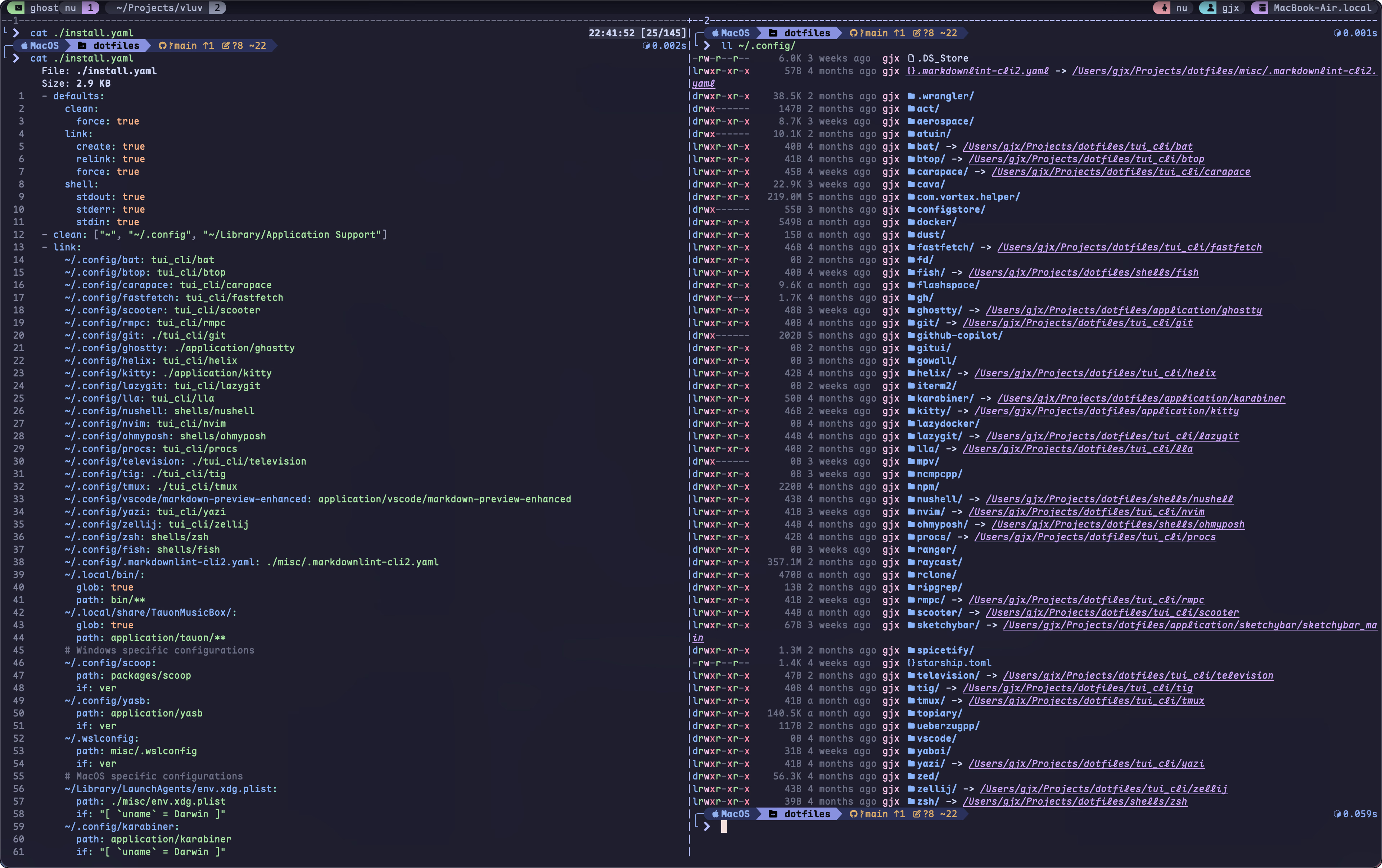
The principle is simple: create symbolic links that point configuration files to specified directories, so configuration files can be managed centrally.- defaults: link: create: true relink: true- clean: ["~", "~/.config", "~/AppData/Roaming", "~/AppData/Local", "~/Documents"]- link: ~/.config/btop: tui_cli/btop ~/.config/fastfetch: tui_cli/fastfetch # ... D://envir_vars/scoop/apps/windows-terminal-preview/current/settings: terminal/windows-terminal- shell: []
Advantages
In my configuration repository Efterklang/dotfiles, I use Dotbot to manage configuration files. Compared with manual management, it is much more convenient. If you often modify configuration files, using Dotbot is a good choice. It supports Windows, Linux, and Mac. On Linux, you can also use GNU stow to manage configuration files with a similar principle.
In the past, I used OneDrive/GitHub to back up configuration files. That had several limitations:OneDrive GitHub Dotbot Backup changes Copy configuration files from different directories to cloud storage Similar to OneDrive Modify files in one unified directory, then push changes to the remote repository Configuration migration Download cloud configuration files to the app directory Similar to OneDrive git clone the repository and run install.ps1Version control ⛔ (better than nothing) ✅ ✅ Extensibility ⛔ ⛔ Supports installing plugins through git submodule, and can sync Scoop apps, Windows fonts, and more
Of course, these limitations can be solved in other ways to some extent. But since ready-made tools already exist, I might as well use them directly 🤓